
Forensic 3D Scanning Software
A scanner produces raw frames. What a forensic unit needs is a measured, cleaned, colour model in a format its analysis and presentation tools can open.
Artec Studio is the step between: it registers, fuses and cleans the capture, keeps the raw scans and the history, measures, and exports to open formats.
 No sensitive case details required.
What does Artec Studio do for forensic work?
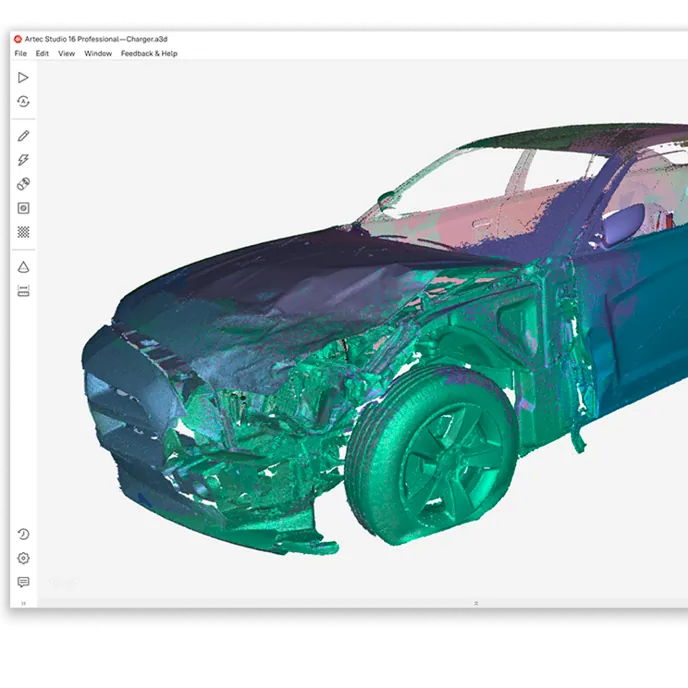
It turns raw scans into a measured colour model — registration, fusion, cleanup, texture — with the raw data and processing history kept in the project, and exports E57, OBJ, PLY, STL and other formats.
 Autopilot processingGuided processing from raw scans to a finished model.
 Measurement built inDistances, sections, surface comparison, volume.
 History keptIndividual scans and the command history saved in the project; the SOP keeps it intact.
 Open exportsE57, OBJ, PLY, STL, WRL, PTX and more.
What happens between the scanner and the exhibit
Every Artec scanner on this page captures into Artec Studio. Handheld scans arrive as sequences of frames already tracked against each other; Ray II point clouds arrive as domes. Studio aligns scans to one another (registration), merges them into one surface (fusion), removes noise and stray geometry, and applies colour texture. For a forensic user the Autopilot mode runs that sequence with a few questions about the object; for an experienced user every step is available manually.
Measurement is in the same application: point-to-point distances, sections, surface-to-surface comparison — a vehicle against an undamaged exemplar, a wound against an implement — and volume. The project keeps the individual scans and the command history alongside the result. That history can be cleared, so the SOP keeps it intact and key parameters are logged in the case notes, as a chain-of-custody review will ask.
The output goes wherever the unit's workflow needs it: E57 and PTX point clouds into scene analysis and reconstruction software, OBJ and PLY meshes with colour into presentation tools, STL to a printer.
From raw scan to exported model
The processing sequence, as Autopilot runs it or as an operator does by hand.
 1. ImportHandheld scans and Ray II point clouds into one project.
- 2. Register and fuseAlign the scans; merge into one surface.
 3. Clean and textureRemove noise and stray surfaces; apply colour.
- 4. MeasureDistances, sections, comparisons, volumes — recorded in the project.
- 5. ExportOpen formats into the analysis and presentation tools you use.
Which scanner for this work
Leo, Ray II and Spider II feed the same software, so one workflow covers the scene, the body and the evidence.
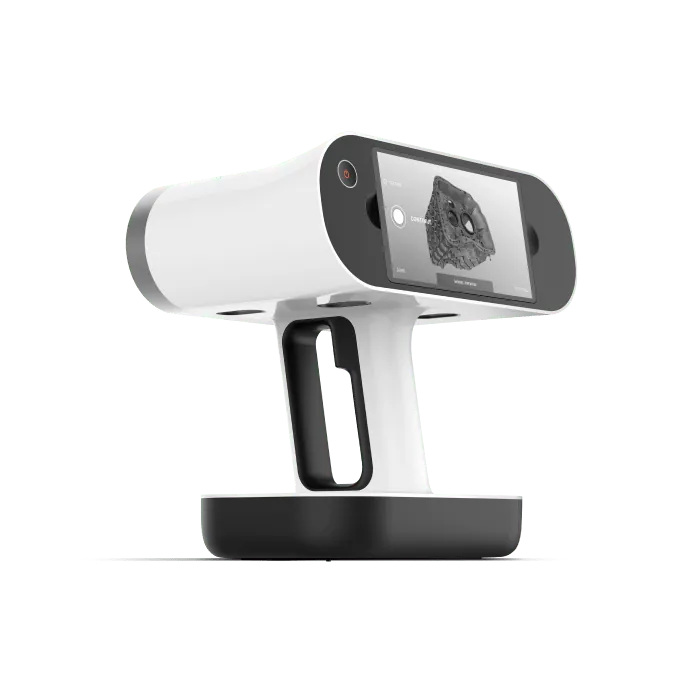
Artec Leo
- Best for
- Handheld capture, processed onboard and in Studio
- 3D point accuracy
- Up to 0.1 mm
- 3D resolution
- Up to 0.2 mm
- Capture
- Wireless, screen and processing onboard
- Capture speed
- Up to 35 million points/s (HD Mode)
Leo tracks and previews on the device, then transfers to Artec Studio for fusion, cleanup and measurement.
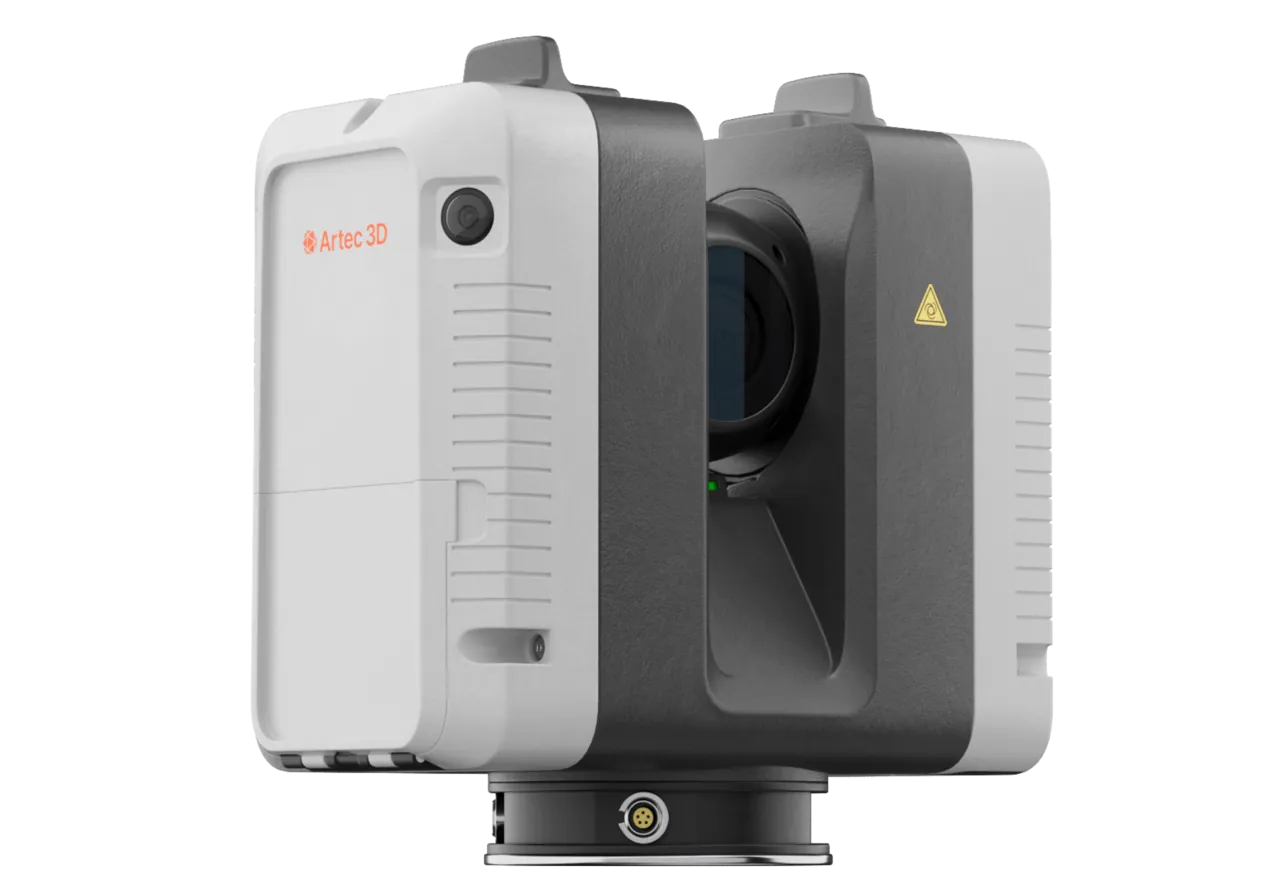
Artec Ray II
- Best for
- Long-range point clouds
- Accuracy
- 1.9 mm at 10 m
- Range
- 0.5–130 m
- Scan time
- About 1.7 minutes per position (2.7 with colour)
- Portability
- Wireless, tripod-mounted
Ray II domes import into the same project as handheld scans, so a room and the evidence in it are registered together.
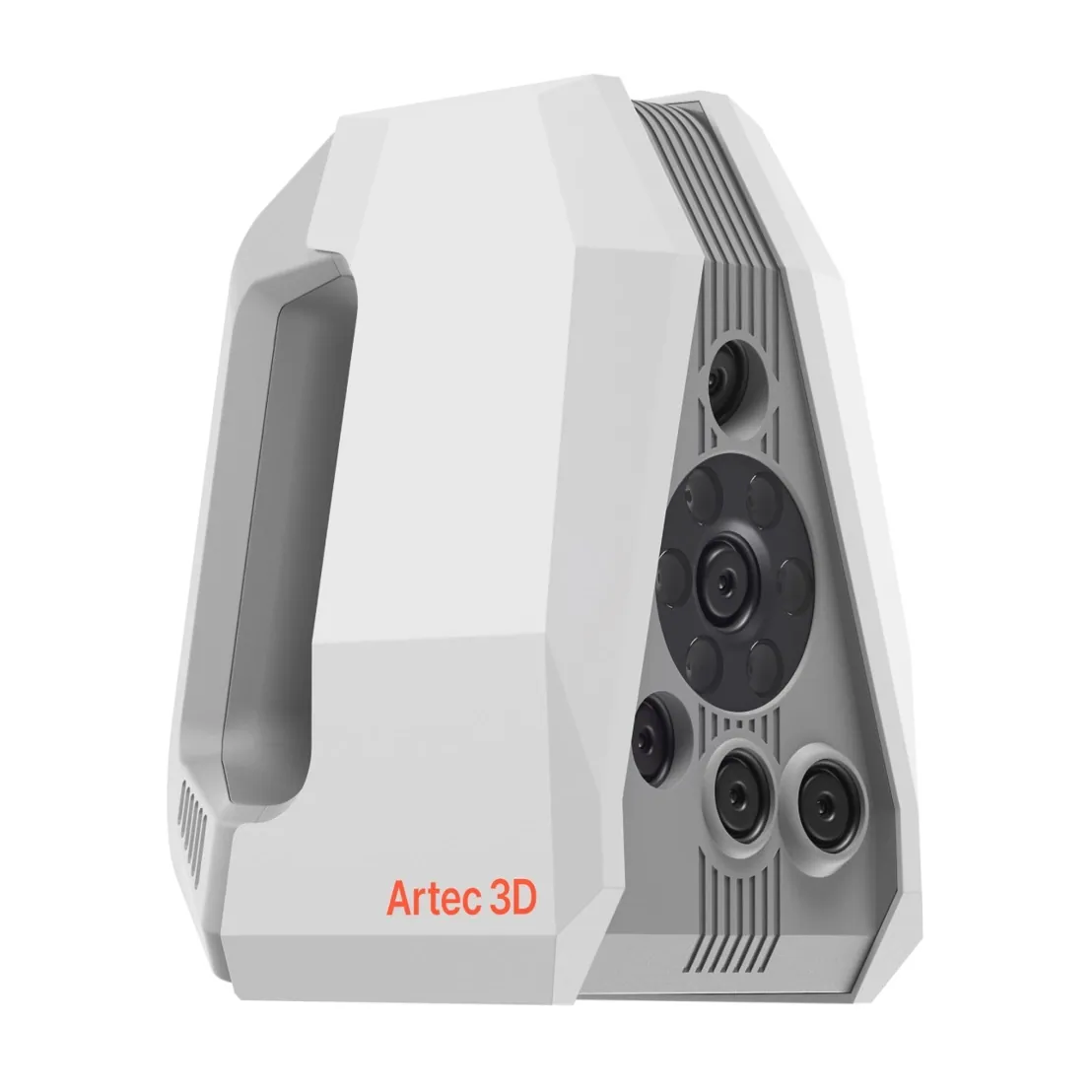
Artec Spider II
- Best for
- Fine-detail scans
- 3D point accuracy
- Up to 0.05 mm
- 3D resolution
- Up to 0.05 mm
- Light source
- Blue structured light, no targets on the surface
- Portability
- Handheld, tethered to a laptop
Spider II captures at 0.05 mm into Studio, where the shape and size of a wound or a toolmark are compared against a scanned implement.
See Artec Studio take a raw scan to an exported model, in the formats your tools already use — book a demo.
Book a demoQuestions practitioners ask
What formats does Artec Studio export?
OBJ, PLY, STL, WRL, E57, PTX, XYZ and others — open formats that scene analysis, reconstruction, CAD and presentation software import directly.
Does it need a powerful workstation?
Processing large scene projects benefits from a capable GPU and plenty of RAM; Artec publishes recommended specifications. Leo processes onboard for preview, so the workstation is for final processing.
Can Ray II point clouds and handheld scans be combined?
Yes. Both import into one Artec Studio project and are registered into one coordinate system.
Is the processing history kept?
By default, yes: the project is saved with the individual scans and the command history. That history can be cleared and does not travel with open-format exports, so the SOP keeps it intact and the unit logs key parameters in its case notes.
Tell us about your current workflow
A forensic application specialist will come back with the device that fits it, the accuracy to expect at that scale, and how the data reaches your existing workflow.