
Forensic Point Cloud Workflow
A scene arrives as several tripod scans and a set of handheld captures. Until they are registered into one coordinate system, cleaned and checked, none of it is a measurement.
The workflow is a fixed sequence — register, clean, verify, measure, export — and Artec Studio runs it on scene and detail scans together.
 No sensitive case details required.
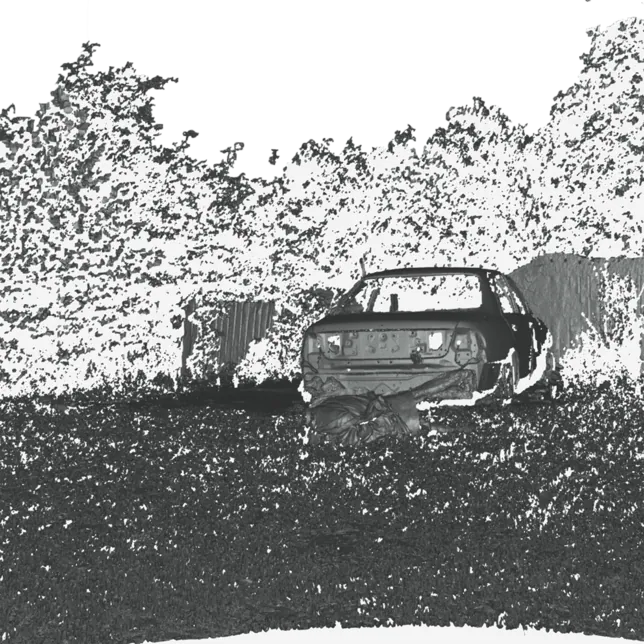
What is the forensic point cloud workflow?
Import the tripod domes and handheld scans, register them into one coordinate system, remove noise and moving objects, verify against known distances, measure, and export E57 or PTX to the analysis package.
 RegistrationDomes aligned to each other; handheld detail aligned to the domes.
 VerificationRegistration error and a known distance checked and recorded.
 MeasurementDistances, heights and sections in Artec Studio; sightlines in the analysis package the cloud is exported to.
 E57 outInto reconstruction, analysis and presentation software.
The sequence, and where it goes wrong
Registration is the step that decides whether the rest is evidence. Ray II domes are aligned to one another by overlapping geometry — no targets on the scene — and the registration error is reported. Handheld scans of a body, a vehicle or a bullet defect are then aligned into the scene cloud, so detail sits in its measured position. Errors here propagate to every measurement, which is why the error figure is recorded with the project.
Cleanup removes what is not the scene: people who walked through, noise at range, reflections from glass. Verification is a measurement against something known — a door frame, a tape on the floor placed for the purpose — recorded alongside the registration error. Then measurement: distances, heights and sections through a room or a vehicle in Artec Studio, and sightlines from a stated eye position in the analysis package after export.
Export is E57 or PTX for point-cloud tools and OBJ or PLY for meshed models with colour. The project keeps the individual scans and the command history, and the case notes record the registration error, the verification and key parameters, so the whole sequence is reviewable.
Register, clean, verify, measure, export
In this order. Verification before measurement, always.
 1. ImportRay II domes and handheld scans into one Artec Studio project.
- 2. RegisterDomes to each other, detail scans to the domes; record the error.
 3. CleanRemove passers-by, range noise and stray reflections.
- 4. VerifyCheck a known distance; record the result with the project.
- 5. Measure and exportDistances and sections; E57 or PTX to the analysis package for sightlines.
Which scanner for this work
A scene workflow starts with a tripod scanner and adds handheld detail.
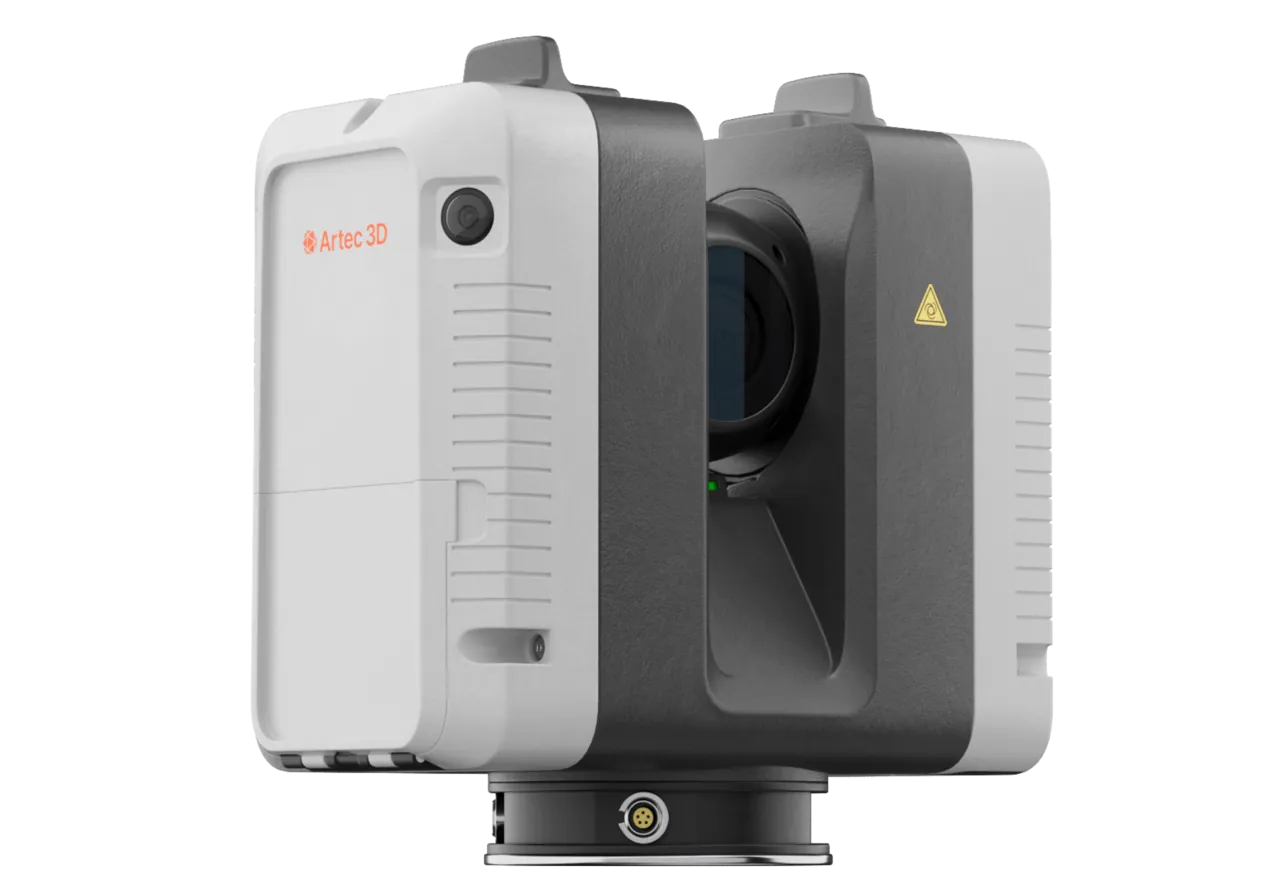
Artec Ray II
- Best for
- The scene point cloud
- Accuracy
- 1.9 mm at 10 m
- Range
- 0.5–130 m
- Scan time
- About 1.7 minutes per position (2.7 with colour)
- Portability
- Wireless, tripod-mounted
Ray II records a dome in about 1.7 minutes (2.7 with colour) with 0.4 mm range noise at 10 metres; domes register to each other by geometry, without targets on the scene.
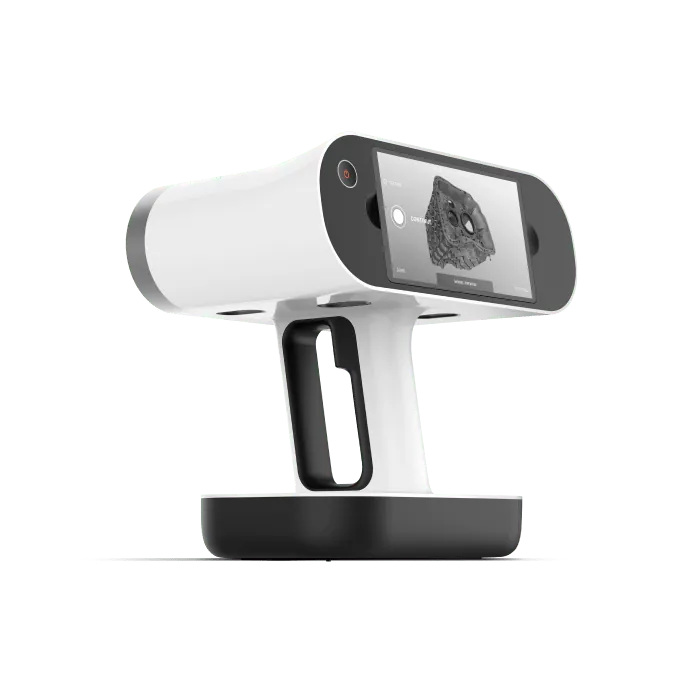
Artec Leo
- Best for
- Detail registered into the scene
- 3D point accuracy
- Up to 0.1 mm
- 3D resolution
- Up to 0.2 mm
- Capture
- Wireless, screen and processing onboard
- Capture speed
- Up to 35 million points/s (HD Mode)
Leo scans of a body, a vehicle or a defect align into the scene cloud, so detail captured at up to 0.1 mm sits in the room within the registration error recorded for the project.
See a multi-dome scene registered, verified and measured, step by step — book a demo.
Book a demoQuestions practitioners ask
How is registration accuracy checked?
Artec Studio reports registration error after alignment; the unit also measures a known distance in the cloud and records both with the project.
Are targets needed on the scene?
No. Ray II domes register by overlapping geometry. Targets can be used where a scene has little geometry, but they are not required.
Can moving people be removed?
Yes. Cleanup tools remove stray geometry, and multiple domes of the same area let an operator keep the static scene and discard transient objects.
What format does our reconstruction software want?
Usually E57 or PTX for point clouds; OBJ or PLY for meshed, coloured models. Artec Studio exports all of them.
Tell us about your current workflow
A forensic application specialist will come back with the device that fits it, the accuracy to expect at that scale, and how the data reaches your existing workflow.