
Chain of Custody & Evidence Integrity
Digital evidence is questioned on where it has been, who touched it and whether it changed. 3D scan data is no exception — and it is large, processed, and exported in several forms.
A defensible chain is a matter of practice: retain the raw capture, document every processing step, hash what leaves the unit, and keep a model that can always be checked against the original.
 No sensitive case details required.

How is chain of custody maintained for 3D scan data?
Raw scans are retained read-only with capture logs, processing steps are logged in the case notes, exports are hashed and logged, and access is controlled — so any derived exhibit can be traced back to the original capture.
 Raw retainedThe original capture kept, separate from any processed result.
 Processing documentedRegistration, cleanup and measurement steps logged in the case notes.
 Exports hashedEvery file that leaves the unit is checksummed and logged.
 Controlled accessWho opened what, when — in the same system as other digital evidence.
Why 3D data needs the same discipline as any other digital exhibit
A 3D scan passes through several states: raw frames on the device, a project on a workstation, a fused model, exported meshes and point clouds, presentation renders. A review will ask which one is the evidence, whether each was derived from the last, and who had access along the way. Units that cannot answer have a problem no scanner accuracy figure fixes.
The practice is not complicated. Raw scans are copied off the device and retained read-only, with the capture log — device, operator, time, settings. Artec Studio saves the project with its history of changes; because that history can be cleared, the unit also records each processing step in its case notes, so the path from raw to fused model is documented. Every export — E57, OBJ, PLY, STL — is hashed and its hash logged with the file, so an exhibit can be shown to be the file that was disclosed.
Storage and access then follow the unit's existing digital evidence procedures. 3D data is large, so the archive has to be sized for it, but it is otherwise no different from video or imaging.
A chain that survives review
Five steps, each of which a reviewer will ask about.
 1. Capture and logDevice, operator, time and settings recorded at the scene.
- 2. Secure the raw dataCopied off the device, stored read-only, hashed.
- 3. Process and logWork in an Artec Studio project and record each processing step in the case notes.
- 4. Hash exportsEvery derived file checksummed and logged before it leaves the unit.
- 5. Control accessStore and share through the same evidence-management route as other digital exhibits.
Which scanner for this work
The devices themselves are the first link. Each records what it captured and how.
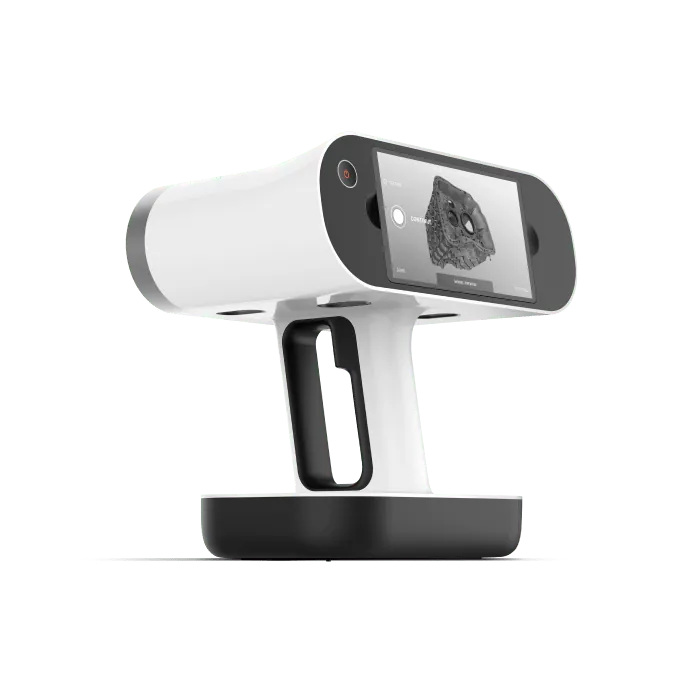
Artec Leo
- Best for
- Scene capture — raw scans held on the device until transfer
- 3D point accuracy
- Up to 0.1 mm
- 3D resolution
- Up to 0.2 mm
- Capture
- Wireless, screen and processing onboard
- Capture speed
- Up to 35 million points/s (HD Mode)
Leo stores scans on the device with their capture parameters and transfers them to Artec Studio, where the project holds the individual scans and its history of changes alongside the fused result; the case notes record the processing steps.
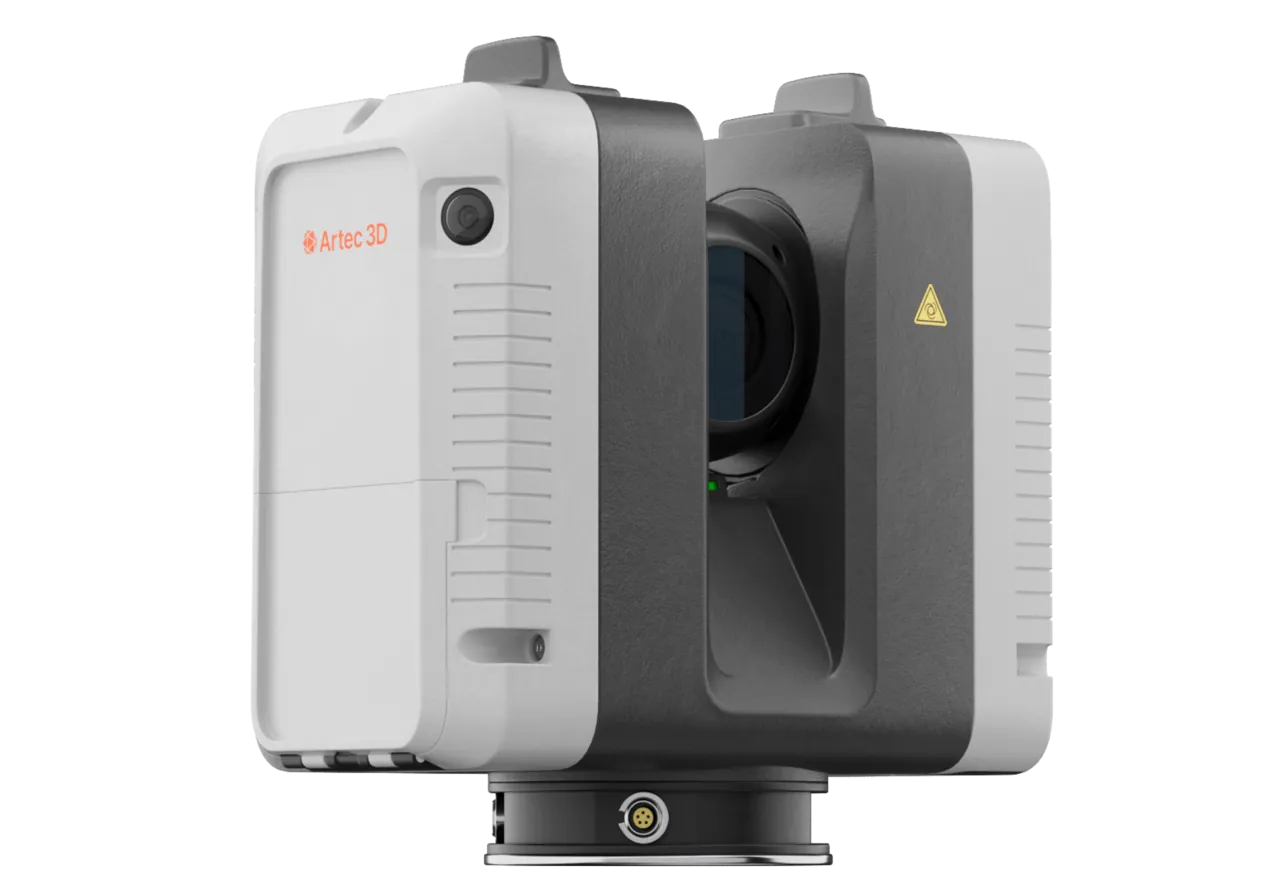
Artec Ray II
- Best for
- Tripod capture — each dome saved with its settings
- Accuracy
- 1.9 mm at 10 m
- Range
- 0.5–130 m
- Scan time
- About 1.7 minutes for a full dome
- Portability
- Wireless, tripod-mounted
Ray II records each dome with its settings; the point cloud is imported into Artec Studio and processed in a project, with the steps logged in the same case notes.
See how scan data fits your digital evidence procedure, from raw capture to disclosure — talk to a forensic specialist.
Book a consultationQuestions practitioners ask
Which file is "the evidence"?
The raw capture, retained unaltered. Everything else is derived from it and documented as such. An exhibit is traceable back to the raw data through the case notes, the project and the logged hashes.
Does Artec Studio keep the processing history?
By default, yes: the project is saved with its history of changes. The history can be cleared, so also keep the read-only raw copy and log the steps in your case notes.
How large is the data?
A scene project can run to many gigabytes. Plan storage as you would for video evidence; the procedure is otherwise the same.
Who should hold the data?
Whoever holds your other digital exhibits, under the same access controls. Scan data does not need a separate regime, only enough space.
Tell us about the work you do
A forensic application specialist will come back with the device that fits it, the accuracy to expect at that scale, and how the data reaches your existing workflow.